
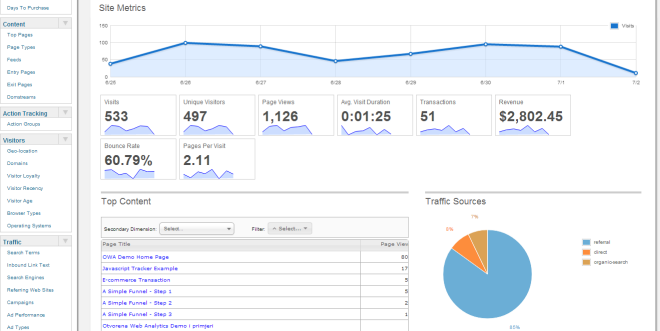
Google Analytics plays a big role to track how well a website is converting or where it needs improvement Specially for Ecommerce Websites.
A ‘Google Analytics Conversion Funnel’ involves the various steps or series of URLs that a website owner can assign for visitors to follow their way to reach a specific Destination or Goal.
Google Analytics usually tracks the Conversion Funnels to provide a visualization of an owner’s website as per their business objectives. It also helps to check Goal abandonment by visitors i.e. on which step they joined on the Goal path or on which step they skipped.
Follow these steps show you how to create a goal:
- In your Google Analytic account- Enter the “Admin”.
- Set your Goals in the ‘View’ section.
- Select an account > ‘View’ section > All website data > Click ‘Goals’.
- Click ‘Create New Goal’ > Add Goal Destination > Value > Turn Funnel ‘On’ > Add various steps or URLs in each conversion funnel.